Real-time beauty preview
Open the camera and preview your look instantly before taking a photo or recording a video.
Soft beauty, beautifully simple
A graceful beauty camera for photos, videos, and local image retouching — designed to feel light, calm, and effortless.
What it does
EasyBeauty focuses on the essentials: real-time preview, thoughtful controls, and a polished capture flow.
Open the camera and preview your look instantly before taking a photo or recording a video.
Switch between photo and video modes with a clean, full-screen capture experience.
Fine-tune smoothing, brightening, rosy tone, face shape, filters, and presets with simple controls.
Choose a photo from your library, apply your beauty look locally, then save when you are ready.
Designed for English, 简体中文, 日本語, 한국어, Deutsch, and more app languages.
No account is required, and the current app experience does not rely on a cloud gallery or backend storage.
Beauty tools
EasyBeauty brings skin refinement, facial shaping, filters, and one-tap presets into one calm panel, with real-time feedback as you adjust.
Live preview
Beauty settings update in the preview, helping you keep the final look balanced before capture.
Smooth, brighten, add a rosy tone, and sharpen gently for a fresh but natural finish.
Adjust eyes, face slim, chin, nose, smile, forehead, lips, and more with a clear control panel.
Choose from soft filters and beauty styles such as fresh, elegant, dreamy, warm, cool, and chic looks.
Start quickly with presets like Natural, Cute, Goddess, and Fair, then fine-tune the details yourself.
Beauty results
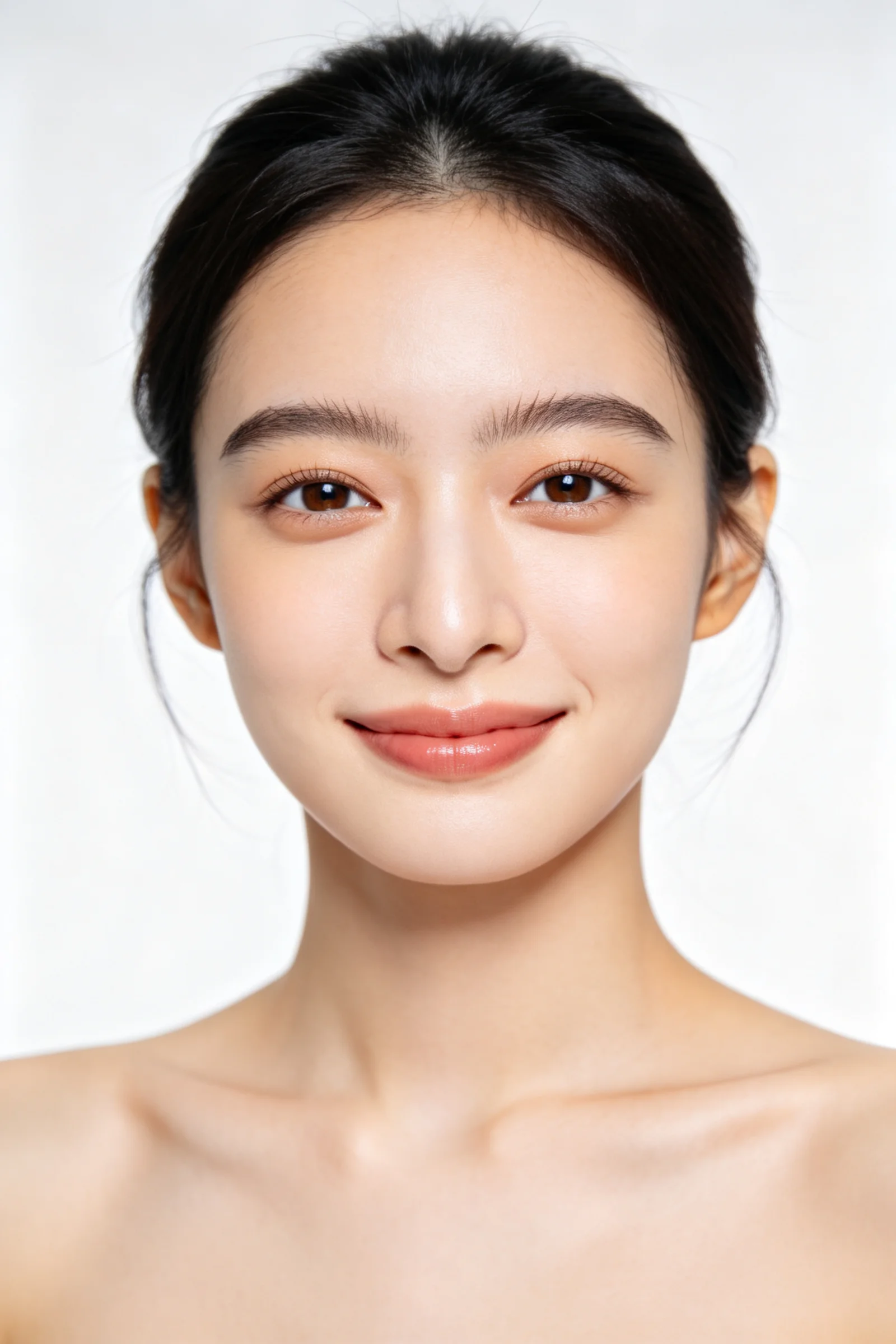
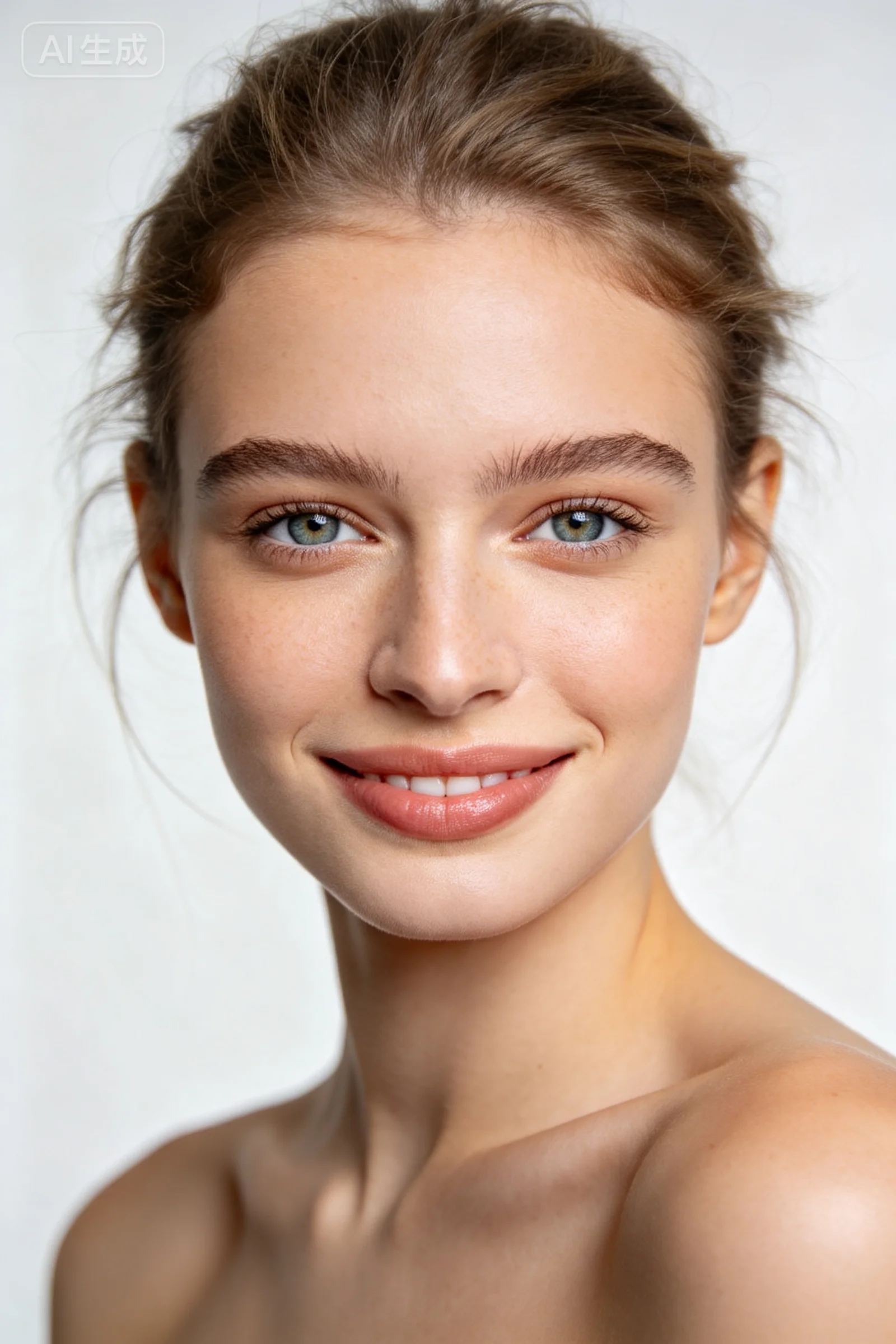
Showcase smooth skin, gentle tone, refined facial balance, and elegant filter styles in a clean portrait gallery.
Beauty experience
EasyBeauty keeps the interface soft and focused, so every adjustment feels natural and every capture feels effortless.
How it works
Start with a full-screen beauty preview.
Tune beauty settings and filters in real time.
Take a photo, record a video, or retouch a local image.
Confirm the result and save it to your photo library.
Privacy
EasyBeauty is designed without accounts or cloud gallery storage in the current version. Your photos and videos stay on your device unless you choose to save or share them.